Sogou Pinyin Input Method: The Essential Guide for 2025 Users
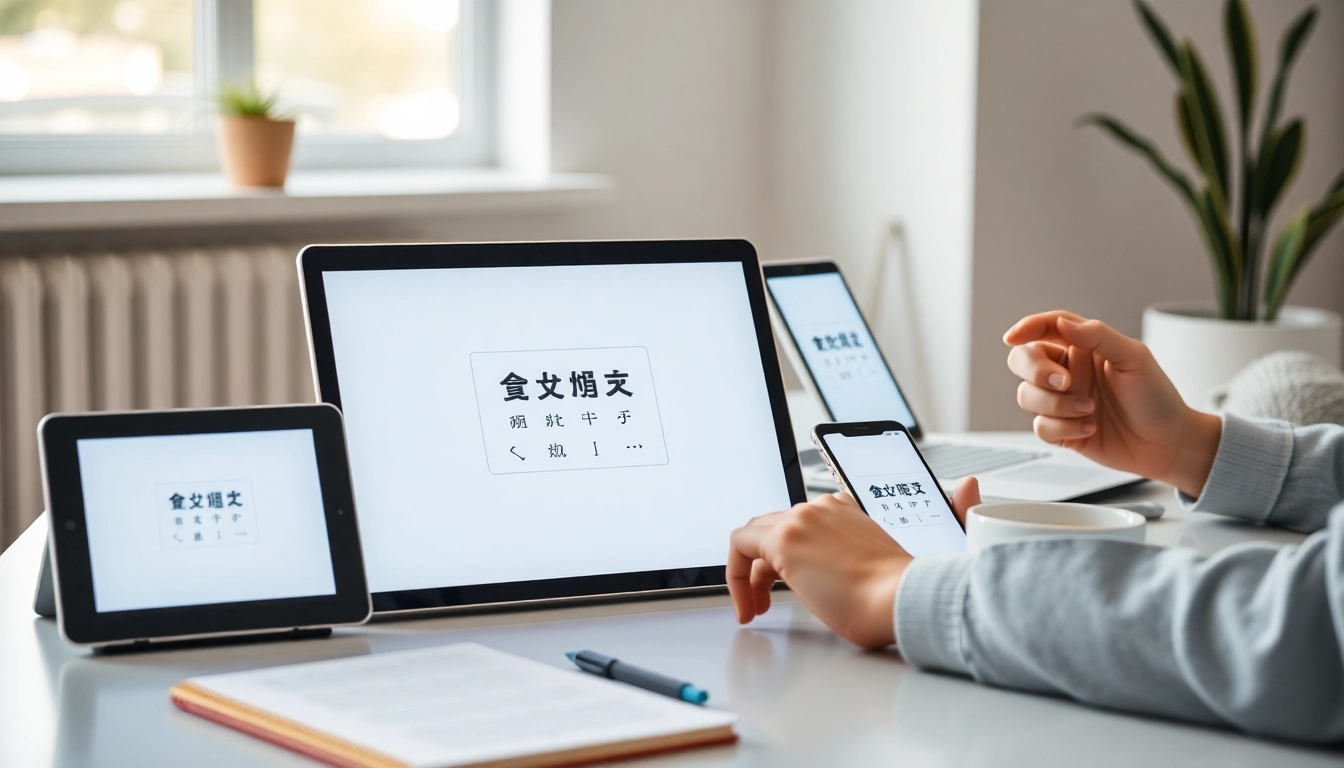
Understanding Sogou Pinyin Input Method
The 搜狗拼音输入法 is more than just a tool for typing Chinese characters; it represents a significant leap in the evolution of input technology. Designed to cater to the unique needs of Chinese language users, this software combines advanced features that simplify and enhance the user’s typing experience across different devices and platforms. As we step into 2025, understanding the capabilities and advantages of Sogou Pinyin Input Method will be vital for users seeking efficient and flexible text input solutions.
What is Sogou Pinyin Input Method?
Sogou Pinyin Input Method, developed by Sohu, Inc., is a popular Chinese input software that allows users to compose Chinese characters through the Pinyin romanization system. With its intuitive design and extensive word database, it offers users an especially effective typing experience. The software seamlessly integrates into various operating systems, including Windows, macOS, iOS, and Android, making it accessible for users across different devices. Furthermore, it boasts several features that help enhance the speed and accuracy of text input.
Key Features and Benefits
- Smart Prediction: The software leverages AI technology to accurately predict the next word or phrase based on the user’s typing history, making the process faster and more efficient.
- Cross-Device Synchronization: Users can sync their personal word libraries, frequently used phrases, and preferences across multiple devices, ensuring seamless communication whether on a PC or smartphone.
- Voice Input and OCR: For users who prefer hands-free typing or are in situations where keyboard input is impractical, Sogou offers voice recognition and Optical Character Recognition (OCR) features.
- Customizable Interface: The ability to personalize the input interface with various skins and themes allows users to tailor their typing environment to their preferences.
- Privacy Protection: Sogou ensures that user data, including personal vocabulary, is stored securely, with options for local data processing to maintain user privacy.
How It Enhances User Experience
The Sogou Pinyin Input Method transforms the mundane act of typing into an engaging and efficient experience. By incorporating intelligent features like AI-powered suggestions, users can enjoy a more fluid typing experience as they receive real-time assistance. This feature is particularly beneficial for professionals and students who require speed and accuracy in their work or studies.
In addition, the synchronization feature is a game-changer for users who frequently switch between devices. Maintaining consistency in their typing shortcuts and preferences reduces the learning curve when transitioning from one device to another, ultimately leading to enhanced productivity.
Installation and Setup Process
How to Download Sogou Pinyin Input Method
The installation of Sogou Pinyin Input Method is straightforward. Users can download the application directly from the official Sogou website or trusted software repositories. The installation process is designed to be user-friendly, with clear instructions provided throughout.
Step-by-Step Installation Guide
- Visit the official Sogou website or a trusted software repository.
- Locate the download link for the Sogou Pinyin Input Method suitable for your operating system.
- Click to download the installer file.
- Once the file is downloaded, open it to start the installation process.
- Follow the on-screen prompts to complete the installation.
- After installation, you may need to restart your device for the changes to take effect.
Setting Up Your Preferences
After installation, users can customize their Sogou Pinyin Input Method settings to suit their typing habits and preferences. Options include choosing a skin for the input interface, configuring sound settings, and adapting typing shortcuts. It’s essential to explore these settings to optimize the input experience according to individual needs.
Utilizing Advanced Features
Account Synchronization Across Devices
One of the standout features of Sogou Pinyin Input Method is its account synchronization capability. By logging into a Sogou account, users can access their personalized vocabulary and settings across all devices. This feature is particularly beneficial for professionals who use multiple devices throughout the day, ensuring that their input experience remains consistent and efficient.
AI Semantic Association Features
The AI-powered features extend beyond mere prediction. The semantic association capabilities allow the software to understand context, enabling it to suggest words and phrases that fit the user’s typing pattern and content type. This not only speeds up the typing process but also enhances the overall accuracy of the text being input, making it an indispensable tool for writers and business professionals alike.
Voice and OCR Input Capabilities
As technology evolves, the need for hands-free input options becomes increasingly important. Sogou’s voice input feature allows users to dictate text instead of typing it, which can be a significant time-saver. Similarly, the OCR feature facilitates the conversion of handwritten or printed text into digital form, providing users with versatile input options for various scenarios.
Customization Options
Exploring the Skin Marketplace
For users who enjoy personalizing their digital environments, Sogou Pinyin Input Method offers a skin marketplace filled with diverse themes. Whether you prefer minimalist designs, vibrant patterns, or culturally inspired aesthetics, there’s a skin to match every user’s style. This not only enhances visual appeal but also makes the typing experience more enjoyable.
Personalizing Your Input Environment
Customization extends beyond just appearance. Users can personalize their input environment by adjusting settings like key sound effects, candidate word display preferences, and shortcuts for frequently used phrases. These modifications serve to create a more tailored and user-friendly experience.
Optimizing Productivity with Shortcuts
Shortcuts are invaluable in boosting productivity. The Sogou Pinyin Input Method allows users to create custom shortcuts for phrases they often use, reducing the need to type them out each time. This is particularly advantageous for professionals who frequently produce similar documents or messages.
Future Trends in Input Technology
What’s Next for Sogou Pinyin?
As technology progresses, the future of input methods like Sogou Pinyin Input Method looks promising. Anticipated developments may include enhanced AI capabilities that offer even more refined predictive text and context-aware suggestions. Additionally, integration with virtual reality and augmented reality environments could redefine how users interact with text input.
Impact of AI on Input Methods
AI continues to shape the landscape of input technology, with Sogou Pinyin Input Method being at the forefront. The impact of AI is evident in its ability to learn from user behavior, allowing for increasingly accurate predictions and suggestions. As machine learning techniques improve, users can expect an even more intuitive input experience that adapts to their unique typing styles.
Emerging Technologies and User Adaptation
With the advent of new technologies, user adaptation becomes critical. The Sogou Pinyin Input Method stands ready to embrace these changes, continually refining its features to meet the evolving needs of its users. Whether through improved security measures or enhanced user interfaces, the focus remains on delivering an unparalleled input experience.