Creative Uses for Free SVG Designs to Enhance Your DIY Projects
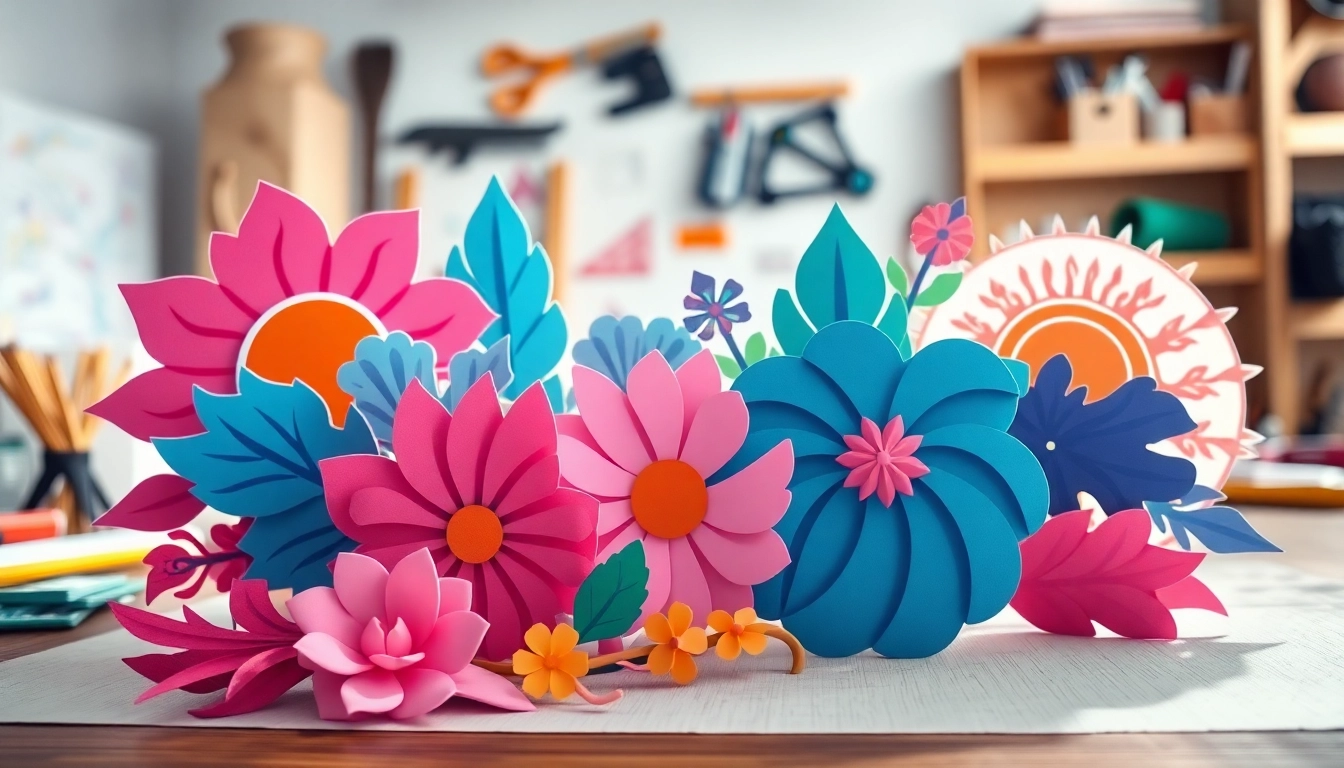
Understanding Free SVG Designs
What Are SVG Files?
Scalable Vector Graphics (SVG) is an XML-based vector image format that is extensively used for creating two-dimensional graphics. Unlike bitmap images that lose quality when resized, SVG files maintain their integrity regardless of scaling. This feature makes SVG ideal for web graphics, logos, and detailed designs. SVG files are easily editable and can be manipulated with CSS and JavaScript, adding a layer of interactivity and creativity for web developers and designers alike. Furthermore, you can create unique free svg designs that can elevate various DIY projects.
Benefits of Using Free SVG Designs
Utilizing free SVG designs offers numerous advantages that can significantly enhance your crafting and design experience. Here are some compelling benefits:
- Cost-Effective: The most apparent benefit is that these designs are free, allowing users to save money while engaging in crafts or projects.
- Quality and Professionalism: Many free SVG designs are created by talented artists and professionals, ensuring a high standard comparable to paid designs.
- Versatile Applications: SVG files can be used across various platforms and tools, including Cricut, Silhouette, and others, making them perfect for diverse creative endeavors.
- Easy to Customize: SVG files are easily editable, allowing crafters to modify colors, shapes, and sizes to fit their unique style.
- Compatibility: SVG designs are widely supported across numerous software applications and cutting machines, enhancing accessibility for users.
Common Formats Compared to Other File Types
When discussing graphics, understanding the differences between file formats is crucial. Here’s a comparison of SVG with other common graphic file types:
| File Format | Type | Best For | Scalability | Editing |
|---|---|---|---|---|
| SVG | Vector | Web graphics, logos, illustrations | Infinitely scalable | Easy |
| PNG | Raster | Images with transparency | Fixed size | Moderate |
| JPEG | Raster | Photography, web images | Fixed size | Difficult |
| GIF | Raster | Animated graphics | Fixed size | Difficult |
How to Find Quality Free SVG Designs
Top Resources for Free SVG Designs
Finding high-quality free SVG designs can be daunting, but there are numerous resources available online that cater to various needs. Some reputable platforms include:
- FreeSVGDesigns.com – Offers a vast collection of free SVG and PNG files.
- Design Bundles – Features a variety of free SVG files with commercial licenses available.
- HelloSVG – A user-friendly site offering a range of SVG cut files.
- Freepik – A resource for graphic design assets, including SVG files.
Evaluating SVG Design Quality
Not all SVG designs are created equal. Evaluating the quality of designs before downloading is essential for a successful project. Consider the following factors:
- Resolution: Ensure that the design is high-resolution to avoid pixelated images during printing or cutting.
- File Type: Make sure you are downloading SVG files and not other formats like JPG or PNG unless necessary.
- Designer Credibility: Look for designs from reputable creators or platforms; read reviews if available.
- Design Complexity: Check if the design is overly complex for simple crafting projects; simpler designs often yield better results.
Understanding Licensing for Free SVG Designs
All designs come with different licensing terms, and it’s vital to comprehend these requirements to avoid potential copyright infringements. Free SVG designs typically fall under one of these categories:
- Personal Use Only: These designs can be used for personal projects but not for commercial purposes.
- Commercial Use Allowed: These designs can be sold as part of end products, usually with no limitations.
- Attribution Required: You may use the design freely but must credit the original creator.
Using Free SVG Designs in Your Projects
Creative Applications in Crafting
Free SVG designs can be utilized across various crafting projects. Some popular applications include:
- Home Decor: Use SVG designs to create wall art, wooden signs, or personalized textiles.
- Gift Making: Personalize gifts like custom mugs, shirts, or tote bags using SVG designs.
- Event Crafting: Create party decorations, invitations, or banners for special occasions.
- Scrapbooking: Incorporate SVG designs into scrapbook pages for a professional look.
Incorporating SVG Designs into Print Projects
With the rise of print-on-demand services, SVGs have gained popularity for print projects. Follow these steps for successful incorporation:
- Choose a design that resonates with your target audience.
- Edit the SVG file to adjust color, size, or any other attributes as needed.
- Export the edited design into a suitable format with high resolution for printing.
- Upload the design to your print-on-demand platform and use it for product creation.
Tips for Editing Free SVG Designs
When you download free SVG designs, there are various ways to personalize them further:
- Software Choice: Use vector graphics software such as Adobe Illustrator, Inkscape, or online platforms like Canva for editing.
- Experiment with Colors: Change colors to match your project theme or personal taste.
- Layering: Combine multiple SVG designs to create unique compositions.
- Resize and Reshape: Resize elements without losing quality to fit your specific project requirements.
Best Practices for Downloading Free SVG Designs
Safe Sites for Downloading SVG Files
Downloading SVG files from reputable sites is essential for safeguarding your devices and projects. Consider the following best practices:
- Always download from established or well-rated websites.
- Check for SSL certificates; a secure site (HTTPS) indicates better safety.
- Read user reviews and comments to ensure authenticity.
Avoiding Copyright Issues
Copyright issues can arise from using free SVG designs without understanding the licensing. To avoid complications:
- Thoroughly read the licensing agreements attached to individual SVG files.
- Attribution for designs requiring it should be clear on any products or projects created.
- Do not alter or sell designs marked for personal use only or without permission.
Organizing Your SVG Design Library
As you gather a collection of SVG designs, keeping them organized can enhance your productivity. Here’s how:
- Folder Structure: Create dedicated folders for different design types or projects.
- Use Tags: Assign tags to easily locate similar designs when needed.
- Back-Up Regularly: Store backups of your design library online or on external drives to prevent loss.
Frequently Asked Questions About Free SVG Designs
How do I use free SVG designs for Cricut?
Upload the SVG file to your Cricut Design Space, resize, and customize it before cutting on your machine.
Are free SVG designs truly free to use?
Generally, yes. However, check each design’s licensing; many allow personal use with some requiring attribution.
Can I sell products made with free SVG designs?
This varies by design. Always verify the licensing to ensure commercial use is permitted before selling.
What software do I need to edit free SVG designs?
You’ll need vector graphics software like Adobe Illustrator, Inkscape, or online tools such as Canva.
Where can I find trending free SVG designs?
Social media platforms like Pinterest or design forums frequently showcase trending designs and collections.